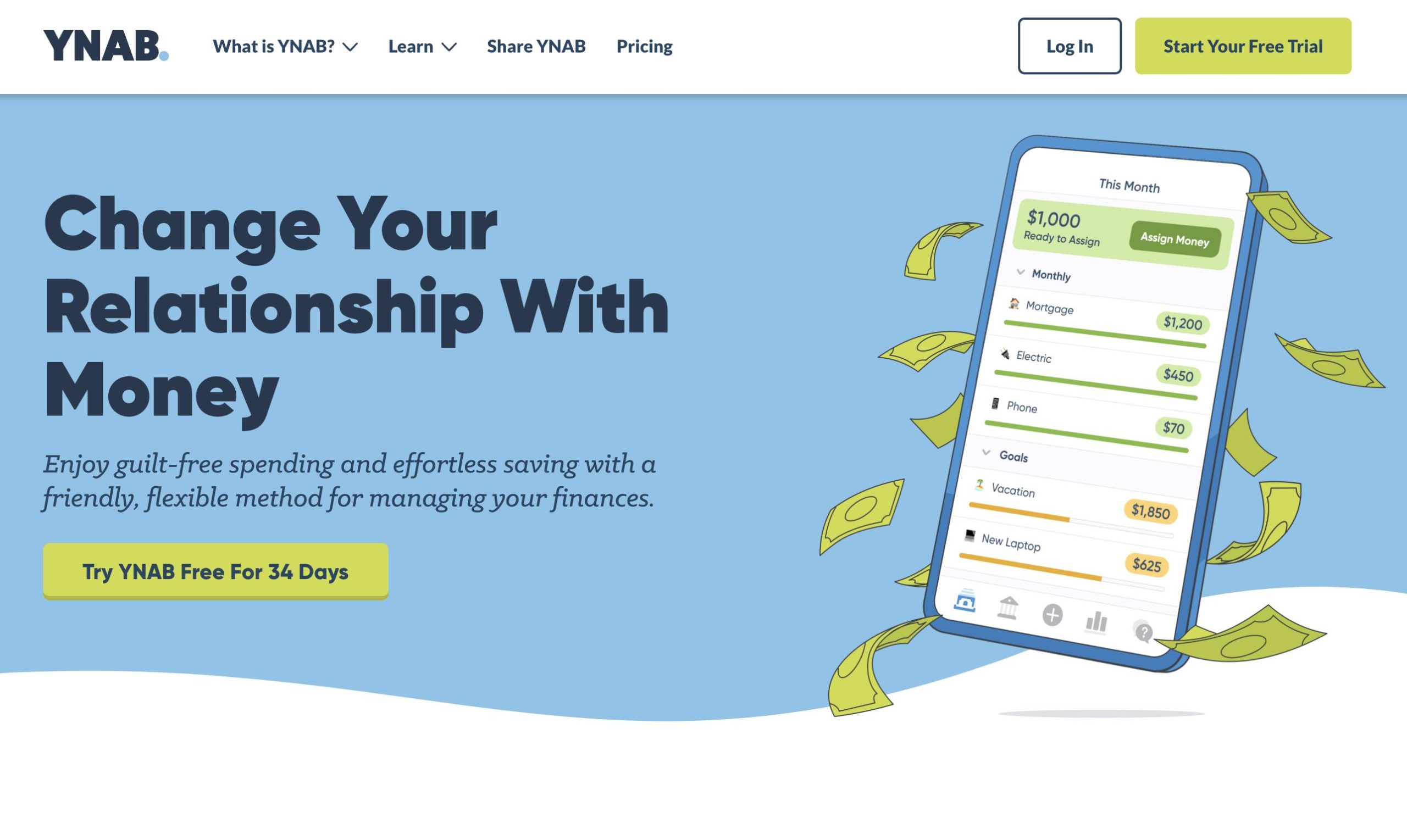
Budgeting is basically the dental flossing of the adult world. We all know we should do it, but most of us just lie to ourselves about how often it actually happens. Then you find You Need A Budget YNAB personal finance software. People talk about it like it’s a cult. They "YNAB" their way through life, "WAM" their overspending, and treat their "Age of Money" like a high score in a video game. Honestly, it’s a bit much at first.
But here is the reality: most people fail at budgeting because they are looking through a rearview mirror. They track what they already spent, feel guilty, and then do it again next month. You Need A Budget YNAB personal finance software flips that script. It’s not about tracking; it’s about a plan for the money you have right now. Not the money you expect to make. Not the tax refund that hasn't hit yet. Just the cash in your pocket today.
The "Four Rules" Are Actually Five Questions Now
For years, the YNAB gospel was built on four rigid rules. You might have heard them: Give Every Dollar a Job, Embrace Your True Expenses, Roll With the Punches, and Age Your Money.
Things changed recently.
The developers realized that "rules" feel like a lecture from a math teacher you didn't like. Now, the methodology is framed as five key questions. This isn't just a marketing pivot; it’s a way to make the software feel less like a chore and more like a strategy session.
- Reality: What does this money need to do before I get paid again?
- Stability: What larger, less frequent spending do I need to prepare for?
- Resilience: What can I set aside for next month’s spending?
- Creation: What goals, large or small, do I want to prioritize?
- Flexibility: What changes do I need to make?
This "Reality" question is where most newcomers trip up. In other apps, you might set a budget of $500 for groceries for the month. In YNAB, if you only have $200 in your bank account today, you can't budget $500. You have to decide what that $200 is doing until Friday. It forces a level of honesty that is, frankly, a little uncomfortable at first.
Why You Probably Hate Your Current Budgeting App
Most "free" apps like the old Mint (rest in peace) or its many clones are essentially automated spreadsheets. They pull in your data, guess that "Starbucks" is a "Dining Out" expense, and show you a pretty pie chart of your failures at the end of the month.
That’s tracking. That isn't budgeting.
You Need A Budget YNAB personal finance software requires you to be hands-on. Yes, it has bank syncing. Yes, it uses Plaid and MX to pull in your transactions. But it asks you to approve them. It wants you to look that $14 burrito in the eye and acknowledge which category it came from.
The "Whack-a-Mole" (WAM) Strategy
One of the most human parts of this software is "Rule Three" (or the Flexibility question). In a traditional budget, if you overspend on clothes by $50, you've "failed." In YNAB, you just move $50 from your "New Tires" fund or your "Dining Out" category to cover it.
They call this WAMing.
It turns budgeting into a game of trade-offs. You aren't "bad with money" because you bought a pair of shoes; you just decided that the shoes were more important than your "Vacation" fund this week. That shift from guilt to agency is why people get so obsessed with this app.
The Real Cost: Is $109 a Year Too Much?
Let’s talk about the elephant in the room. In 2026, YNAB costs $14.99 a month or $109 if you pay annually.
That’s a lot for a "savings" app.
Critics argue that paying $100+ to save money is ironic. However, the company claims the average user saves $600 in their first month. Whether you believe that specific stat or not, the logic is that the software pays for itself by eliminating "mystery spending."
The Non-US Problem
If you live in the UK or the EU, bank syncing is a bit of a mixed bag. While YNAB has made strides with PDS2 connections and Revolut integration, it still feels very "US-centric." International users often pay the same price but have to do more manual entry.
For some, that's a dealbreaker. For others, manual entry is actually the secret sauce. When you have to type in "$4.50 for a coffee" at the register, you feel it. It creates a psychological friction that automated syncing just doesn't provide.
Complexity and the "Learning Curve" Wall
You will probably want to quit YNAB on day three.
The interface is clean, but the logic is different from how we've been taught to think about money. You’ll see "red" bubbles when you overspend and "yellow" bubbles when you haven't met a goal. You’ll wonder why your "Ready to Assign" number doesn't match your bank balance (spoiler: it’s because of your credit card debt).
Credit cards in YNAB are notoriously confusing for beginners. The software treats credit card spending as a "transfer" of sorts. When you buy groceries on a credit card, YNAB takes the money out of your "Groceries" category and moves it to your "Credit Card Payment" category automatically. It ensures that you always have the cash sitting there to pay off the bill in full.
If you're carrying a balance, it gets even more complex. You have to budget for the interest and the past debt separately. It’s a steep hill to climb, but once you reach the top, the view of your finances is crystal clear.
Actionable Next Steps for 2026
If you’re tired of the "where did my money go?" cycle, here is how to actually approach You Need A Budget YNAB personal finance software without losing your mind:
- Start with the 34-day free trial. Don't pay for the annual sub immediately. Use the trial to see if the "envelope" style of budgeting clicks for your brain.
- Ignore the "Age of Money" for now. Everyone gets obsessed with making their money "older" (meaning you are spending money you earned 30+ days ago). In the beginning, just focus on making sure your "Ready to Assign" is $0. Give every dollar a job.
- Watch a "Fresh Start" video. Many long-term users do a "Fresh Start" every January. It clears out old categories and lets you re-evaluate your priorities for 2026.
- Embrace manual entry for one week. Even if you link your bank, try entering transactions on your phone as they happen. It’s the fastest way to learn the software's logic.
- Set up "True Expenses" immediately. Think about the things that "surprise" you every year—Amazon Prime, car registration, the vet. Break those down into monthly amounts now so they aren't emergencies later.
Budgeting isn't about restriction. It’s about making sure your money is actually doing what you want it to do, rather than just disappearing into the void of "miscellaneous" transactions.