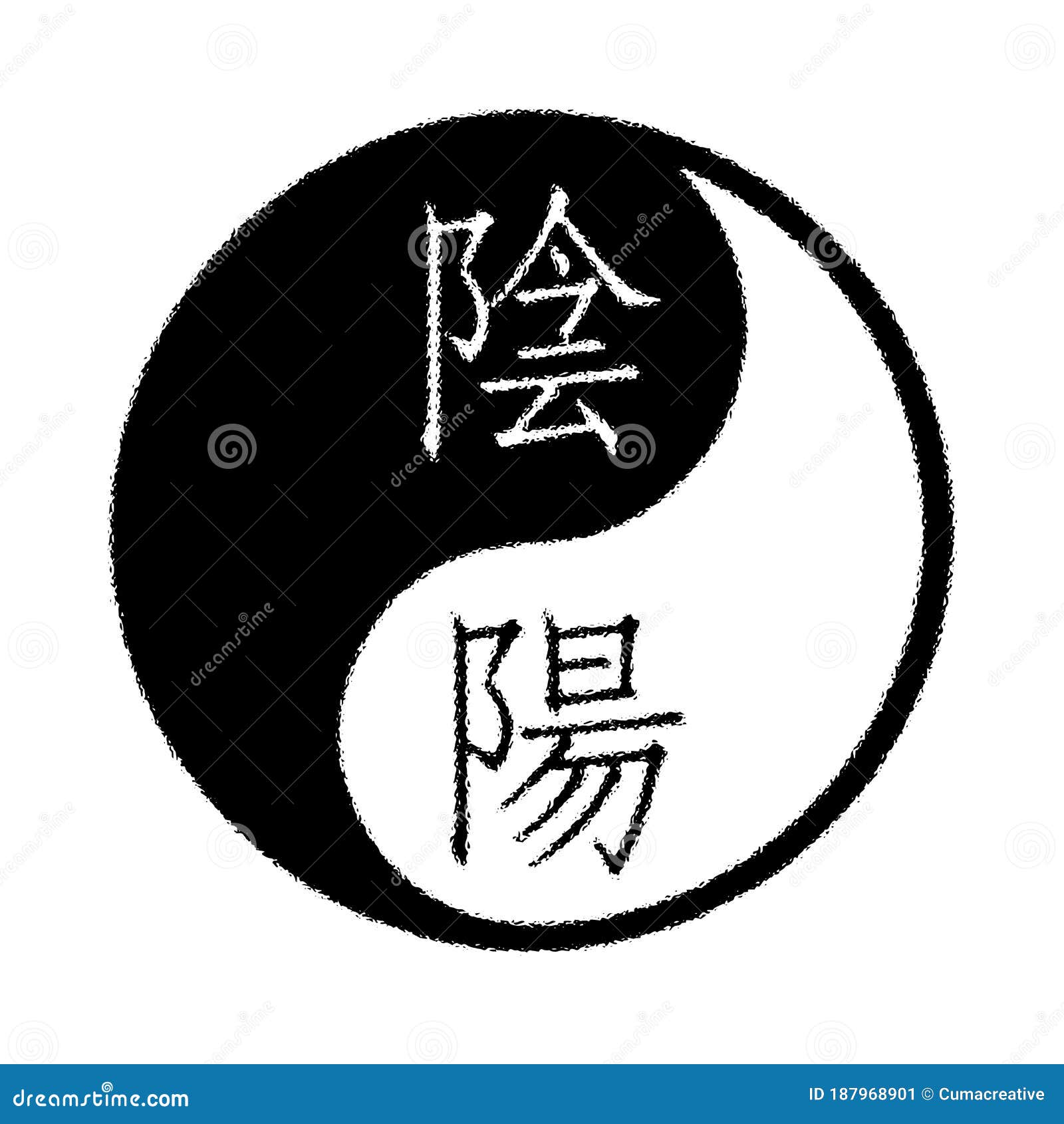
You’re staring at your keyboard, trying to figure out how to summon that little swirling circle of balance. Maybe you're trying to spruce up a social media bio, or perhaps you're deep in a coding project and need the specific Unicode hex for a CSS element. Most people just call it the "black and white circle thingy," but in the world of typography and digital encoding, yin and yang symbol text is a specific set of characters with a history much deeper than a simple emoji.
It's everywhere. You see it on yoga mats, tattooed on forearms, and tucked into the corner of martial arts flyers. But on a screen? That's where things get a bit fiddly.
The symbol itself is technically called the Taijitu. It represents the ancient Chinese philosophy of dualism—how seemingly opposite forces are actually complementary and interconnected. Think light and dark, fire and water, or that feeling when you finally find the "close door" button on an elevator and it actually works. It's about harmony.
Digital communication isn't always harmonious, though.
The Secret Codes Behind the Symbol
Computers don't see "balance." They see numbers. To get yin and yang symbol text to show up on your screen, you’re usually tapping into the Unicode Standard. This is the universal language that ensures a "A" looks like a "A" whether you are in Tokyo or Toledo.
The primary character you are looking for is U+262F.
If you're on a Mac, you can usually hit Control + Command + Space to bring up the character viewer. Type "yin" and it pops right up. Windows users have it a bit tougher. You might need to hold Alt and type 9775 on your number pad, assuming your font actually supports it. Not every font does. If you’re using an old-school serif font from 1994, you might just get a hollow box. That's the "tofu" of the digital world—blank and tasteless.
Why Unicode ☯ Matters More Than a JPEG
Why not just copy-paste a picture? Because images are clunky. Text is elegant. Text scales. You can make a text symbol as big as a billboard or as tiny as a footnote without it turning into a pixelated mess.
When you use the actual Unicode character ☯, you’re embedding a piece of data, not a file. This is crucial for web developers. If you're building a site for a wellness brand, using the symbol as text means faster load times. Google's crawlers see it as text. Screen readers for the visually impaired will actually announce it as "Yin Yang," whereas an unlabelled image is just a "graphic." Accessibility isn't just a buzzword; it's how the modern web functions.
Beyond the Basic ☯: Variations You Didn't Know Existed
Most people think there is only one version. There isn't. In the world of emojis, the symbol often takes on a more colorful, 3D appearance. The standard emoji version was approved as part of Unicode 1.1 way back in 1993, but it didn't get that "emoji" flair until much later.
Sometimes you don't want the full swirl. You might just want the hexagrams from the I Ching, which are the building blocks of this entire philosophical system. These are also part of the Unicode set.
- There's the "Creative" hexagram (乾 Qián).
- There's the "Receptive" hexagram (坤 Kūn).
These consist of solid and broken lines. They are the binary code of ancient China. Long before Leibniz was dreaming up the 1s and 0s that power your smartphone, Chinese philosophers were using these lines to map out the entire universe. It's kind of wild when you think about it. We are basically using ancient binary to talk to modern binary.
The Problem with "Inverted" Symbols
Here is a fun fact that will make you a hit at your next (very specific) dinner party: the orientation of the yin and yang symbol matters. Traditionally, the "yang" (white) side starts at the top and moves clockwise. If you see one where the black side is heavy on top or moving the wrong way, it might be technically "incorrect" according to certain Taoist schools of thought.
However, in the world of yin and yang symbol text, we are often at the mercy of the font designer. Some fonts flip it. Some tilt it. Honestly, for most people, it doesn't matter. But if you’re using it for a formal Taoist publication or a high-end brand, you might want to double-check the "flow."
How to Type Yin Yang Symbols on Any Device
Let’s get practical. You’re here because you want to use the symbol. Here is the breakdown of how to get it done without losing your mind.
Windows
If you have a keyboard with a numeric keypad, hold the Alt key and type 9775. If you’re on a laptop without a keypad, you’re better off using the "Emoji Panel." Hit the Windows Key + . (period) or ; (semicolon). Search for "yin" and click it.
macOS
This is the easiest. Control + Command + Space. Type "Yin" into the search bar. Boom. Done. You can even add it to your "Favorites" so you don't have to search next time.
iOS and Android
On mobile, it's usually tucked away in the symbols section of your emoji keyboard. On iPhone, it’s under the "Symbols" category (the one with the &% icon). It’s usually right next to the peace sign and the dharma wheel.
HTML/CSS for Devs
If you're coding, don't use the symbol directly in your code if you can avoid it, as encoding issues can sometimes garble it. Use the entity:
- Dec:
☯ - Hex:
☯
The Philosophy You're Copy-Pasting
It's easy to treat symbols like stickers. But the yin and yang symbol text carries a lot of weight. The concept, originating from the school of Yin-Yang (Yin-Yang Chia), suggests that everything is a balance of opposites.
Yin is the dark side. It's cool, feminine, passive, and represents the moon and the earth. Yang is the light side. It’s hot, masculine, active, and represents the sun and the heavens.
But look closer at the symbol. There’s a white dot in the black swirl. There’s a black dot in the white swirl. This is the "seed" of the opposite. It means nothing is ever 100% one thing. In the middle of the darkest night, the seed of morning is already there. In the peak of summer, the first hint of autumn is already chilling the air.
Using this symbol in your text isn't just about aesthetics. It’s a nod to the idea that life is messy, cyclical, and balanced. It’s a reminder that you can’t have the highs without the lows. Or, in digital terms, you can't have the "on" without the "off."
Common Misconceptions About the Text Version
A lot of people think the symbol is a "religious" icon only. While it is central to Taoism, it's more of a philosophical and scientific framework in ancient Chinese culture. It was used to track the seasons, understand medicine, and even guide military strategy.
Another mistake? Thinking "Yin" is "bad" and "Yang" is "good." Nope. That’s a Western overlay. In the original context, neither is superior. You need both. An excess of Yang leads to burnout and aggression. An excess of Yin leads to stagnation and coldness. The goal is the Tao—the way—which is the balance between them.
When you're searching for yin and yang symbol text, you might also stumble across "Ying Yang." That's a common misspelling. It’s Yin (with an 'n'). "Ying" doesn't really mean much in this context. If you want to look like you know what you’re talking about, drop the 'g'.
SEO and Symbols: A Word of Caution
If you're a content creator, you might be tempted to use symbols in your SEO titles to grab attention. "☯ 5 Ways to Find Balance ☯."
Be careful.
While Google has gotten better at reading symbols, they can sometimes look like spam. In 2026, search engines are more focused on "Helpful Content." A symbol won't hurt you, but it won't magically vault you to page one either. Use it sparingly. Use it when it adds value or fits the brand voice. Don't use it just to be "loud."
Actually, Google often strips certain emojis and symbols out of the search result snippets anyway if they feel it clutters the UI. So, if you put a bunch of ☯ symbols in your meta description, don't be surprised if they just... disappear when you actually see the link in the wild.
Putting It Into Practice
So, what do you do with this?
First, check your fonts. If you're a designer, ensure your chosen typeface supports the Unicode 262F character. Google Fonts like Noto Sans are generally a safe bet because they aim for "No Tofu"—meaning they try to cover as many symbols as possible.
Second, think about the context. Using yin and yang symbol text in a professional email might be a bit much unless you work in the wellness industry. But in a personal blog, a journal app, or a creative project, it adds a layer of meaning that plain words sometimes miss.
Actionable Steps to Master the Symbol
- Map a Shortcut: If you use the symbol often, set up a text expansion shortcut. On Mac or iOS, go to Settings > Keyboard > Text Replacement. Make it so that typing "yyang" automatically converts to ☯. It saves you three clicks every time.
- Check Your Contrast: If you're using the symbol on a website, make sure the black and white of the symbol don't get lost in your background color. A dark mode site might turn the black part of the symbol invisible if you aren't careful.
- Use the Right Version: Decide if you want the "Text" style (which takes on the color of your font) or the "Emoji" style (which stays black and white/colorful). In CSS, you can sometimes force the text style using the variation selector:
☯︎.
The beauty of the digital age is that we can take a concept that is thousands of years old and distill it into a few bits of data. Whether you're coding a new app or just trying to find some peace in your Twitter bio, the yin and yang symbol remains one of the most powerful icons in human history. Now you know how to actually type it.